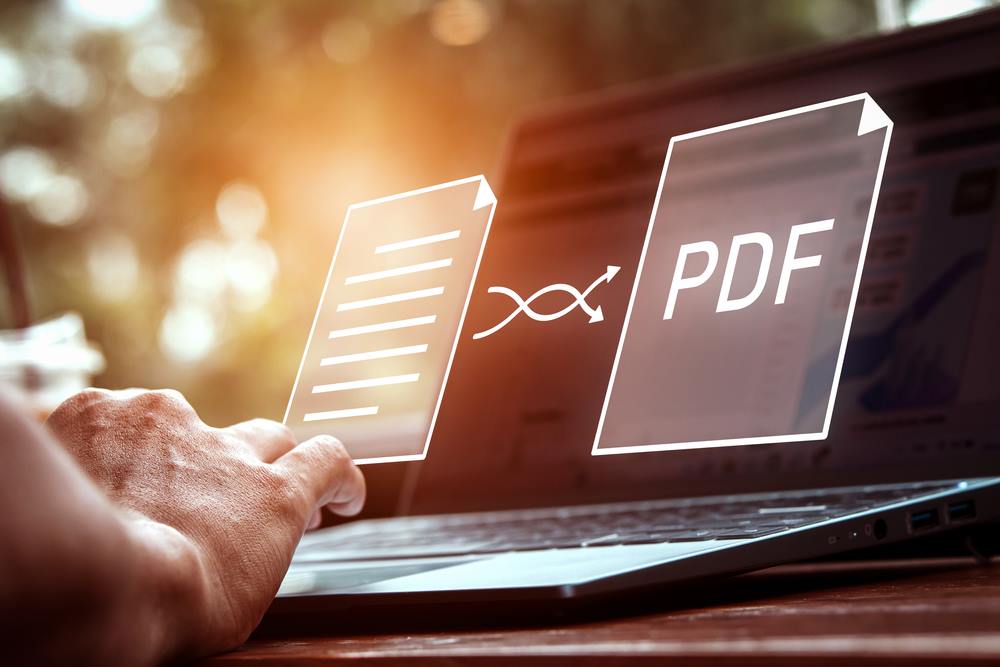
Rearranging PDFs online allows users to create new PDF files from several texts so that the finished text is more coherent and manageable. Several online PDF editors allow users to upload several PDF texts and then delete or remove unnecessary pages. The process is simple but it varies across different editors. Users have several options when deciding how exactly to rearrange their files or how to create their new PDF files. It can range from using a specific tool or process to something as straightforward as dragging and dropping multiple files into a browser-based tool to complete the process. We show you how you edit PDF:
Changing Page Order in a PDF
Rearranging the page order of a PDF is vital for many reasons. Users may need to rearrange a document to make it more succinct. They can also need to reduce its size to make it more easily digestible, especially if it is going out to a large number of people. For whatever reason that people need to rearrange or edit a PDF, there are many easy ways to do it.
Each online editor is different. There can be several different ways to organize PDFs depending on the tool or editor being used. It typically requires the following:
Uploading PDF files to the browser/Dragging and dropping PDF files into a browser
Opening those files in the browser
Selecting the pages that need to be removed or deleted
Merging those unselected pages
Saving the newly created PDF
If you edit PDF online, vary on their control panels and the tools needed to execute these changes, but the general process resembles the steps listed above.
Manipulating PDF pages can be done in several ways. Users may need to manipulate PDFs for several reasons like removing unnecessary pages or wanting to reduce the overall file size of the PDF. Whatever the case may be, users can manipulate PDF pages in many ways. They can start by uploading the PDF into their web or desktop-based PDF editing tool. Then, they can choose to make their smaller, larger, add design elements and features, manipulate the overall layout, and add text or other annotations.
The way that this is done depends on the tool being used but it generally follows the same process:
Uploading or dragging and dropping their file into the browser
Choosing the function they want to perform (merge, splitting, deleting, etc.)
Saving those changes and downloading them to their drive or cloud-based drive
How to Extract Pages From a PDF
Extracting pages from a PDF is essential because an entire document may not be necessary for a user’s purposes. An entire PDF document may also be too large to send over most platforms, which is why users can usually extract the relevant pages only to make them easier to send.
Extracting pages from a PDF can vary from tool to tool. Adobe Acrobat has a specific Organize Page option for use with their software that lets users perform any number of different extraction or rearranging functions. Other software like Lumin PDF offers simpler solutions thanks to its grid-view functionality that makes it easier to rotate, rearrange, delete and organize different pages of the same document.
How to Crop and Rotate Pages in PDF
Edit PDF. Source: depositphotos.com
The same functioning that goes along with all different types of PDF manipulations can also be applied to cropping and rotating different pages. This feature is important for several reasons. Users can, again, reduce the size of a large file. They can also remove certain elements of a specific page and keep others that are more relevant.
Cropping and rotating are unique to PDFs as they feature many more design elements (charts, graphs, images, infographics) than other typical document formats, which are not so easily manipulated or are not so complicated to use. Cropping and rotating PDF files is not so difficult to do with the right tool.
Many editors use similar tools and processes. Lumin uses a grid-view to make it easier to see all the different pages in relation to one another, but something like Adobe has cropping and rotating features built into its software. Other online PDF editors have even simpler methods that do not require any downloading or buying software.
Disclaimer: the author(s) of the sponsored article(s) are solely responsible for any opinions expressed or offers made. These opinions do not necessarily reflect the official position of Daily News Hungary, and the editorial staff cannot be held responsible for their veracity.